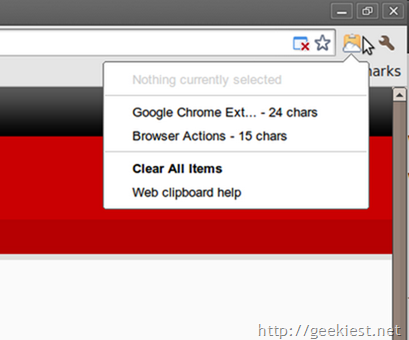
This Web Clipboard Google Chrome extension from Google will allow you to store text and HTML content. This extension uses Google docs as the clip board so, you can access the data in any google apps. Clicking on the extension will list all items just like the above picture.
To copy something, select it on the page, click on the icon and select "Copy selection to web clipboard".
To paste an item, select the field to the content to on your webpage, click on the icon and select the item.
Content you copy to the server clipboard is stored on Google's servers and remains there until 30 days have passed since you last took action on (for example, copied) a given content selection. Even if a document is deleted, anything you copied from that document to the server clipboard will still exist on Google's servers for that 30-day period. You can delete all items stored on the server clipboard by clicking the drop-down menu and selecting Clear all items.
Read more
Install