1. Got to Google.com (if you are from India or countries similar , click on Go to Google.com

2. Check the bottom left side
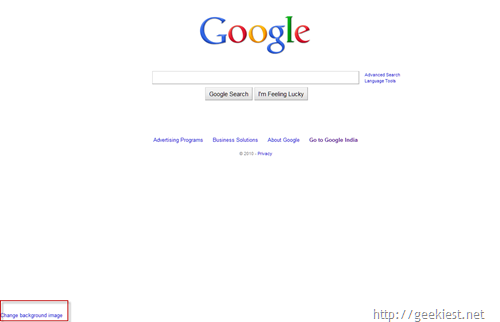
3. Login to your Google account
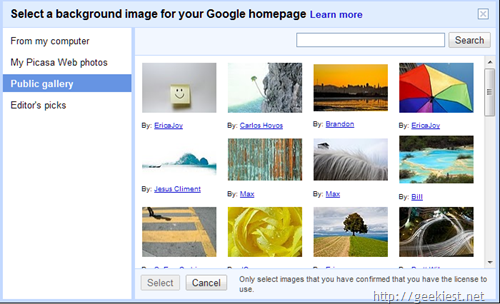
4. Select an Image from the public gallery or Picasa or from your computer
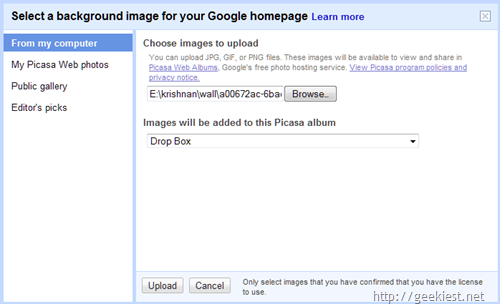
5. The images you selecting from your computer will be added to a Picasa album
6. Final result
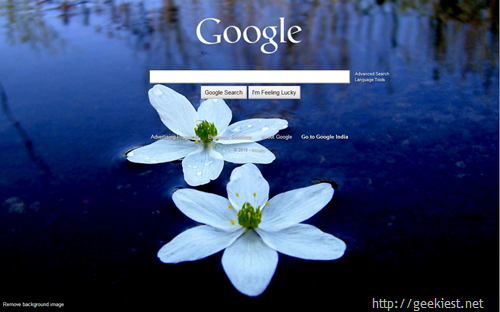
7. To remove the background click the link "Google background" at the bottom left side of the screen