If you are using double Monitor you can use the following Key board shortcuts which are very very Handy
1. Windows + Shift + Left And Windows + Shift + Right
This will move the current window to the Left and Right Monitors. This will not change the window status (Maximized,Restored) it will be same as the old window.
2. Windows + P
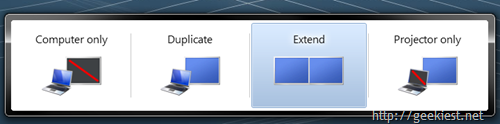
This will allow you to View or Change the configuration of the multi monitor display.
Few other Key board Shortcuts
1. Windows + Number [1-9]
This will launch the program on the task bar. Like Windows +1 will launch the first program on the task bar.
2. Windows + T
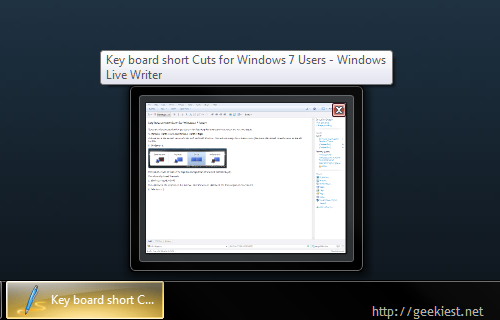
This will show the Task Bar thumbnail peek view (Like Alt +Tab for windows)
3. Windows + Tab and Windows +Shift+ Tab
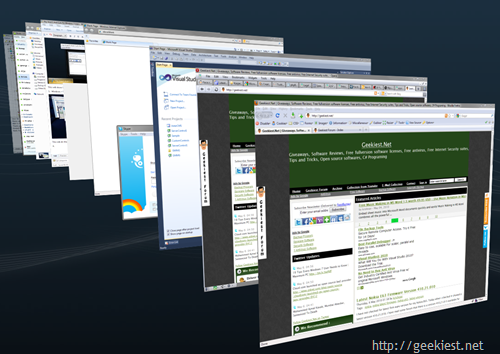
This will do the same work as Alt+ Tab but in a stylish way. Windows +Shift+ Tab select the windows in the reverse order
4. Windows + Ctrl + Tab
This will display the windows just like the above, but after releasing the keys they will not switch, you can choose one by clicking on the window
[ Via Maximum Pc - 19 Tips Every Windows 7 User Needs to Know ]