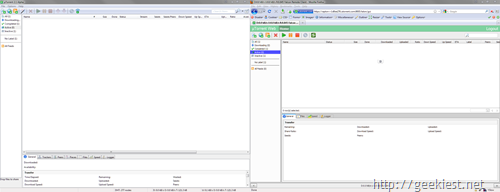
Using the new µTorrent Web Beta you can control your torrent client from anywhere .
1. Download the µTorrent Web Beta from Here
2. Install it
3. Go to Options >> Preferences >> Web
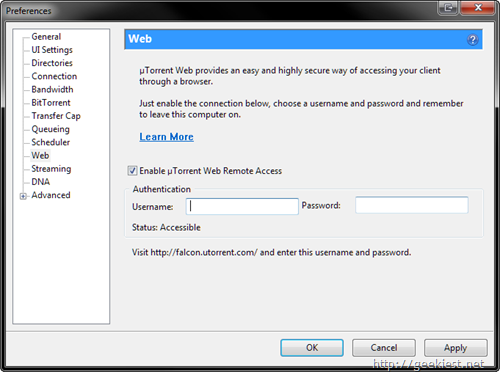
4. Enable µTorrent web Remote Access
5. Enter a user name and password
6. Click Apply
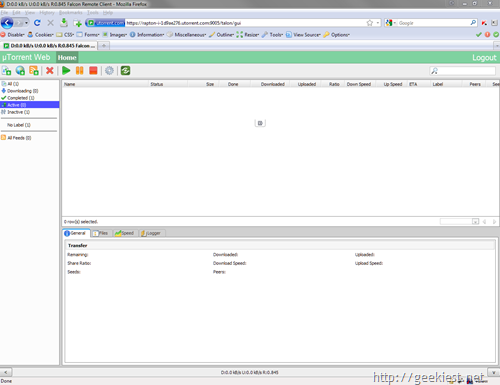
When the µTorrent is running you can access it by using the username and password you provided
1. Go to http://falcon.utorrent.com/
2. Login with the username and password you gave given in torrent client
[Via DownloadSquad]